

Сүрөттөө
Turn your history, roadmap, or event schedule into a beautiful interactive timeline visitors can follow at a glance – no code required.
Timeline | Pricing | Support | Live Demo
Why Use Timeline?
Timeline makes it effortless to create responsive, customizable, and interactive timelines that fit perfectly inside posts, pages, and widgets. Whether you’re displaying a personal journey, company history, project milestones, or event schedules, Timeline gives you complete visual storytelling freedom.
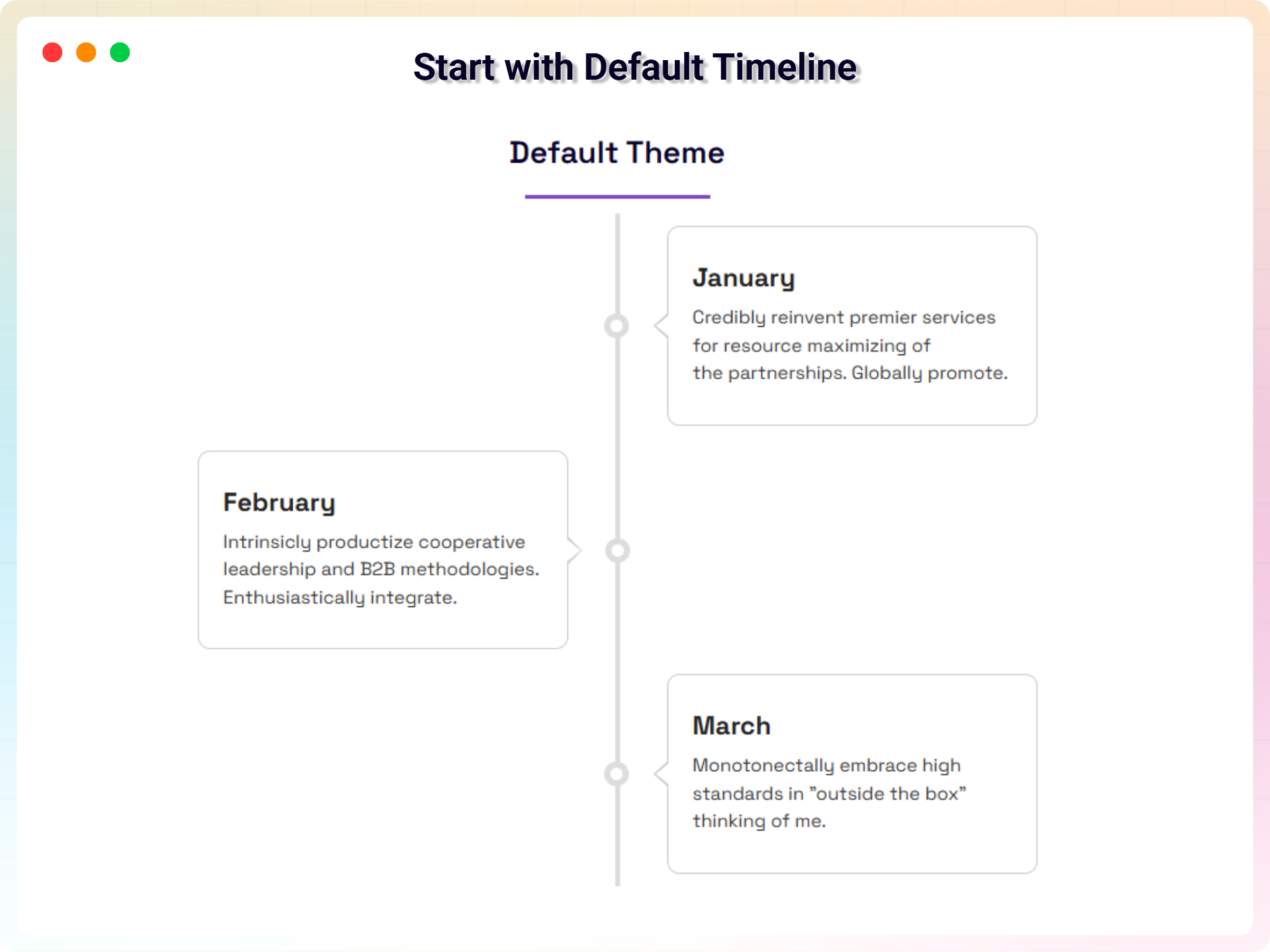
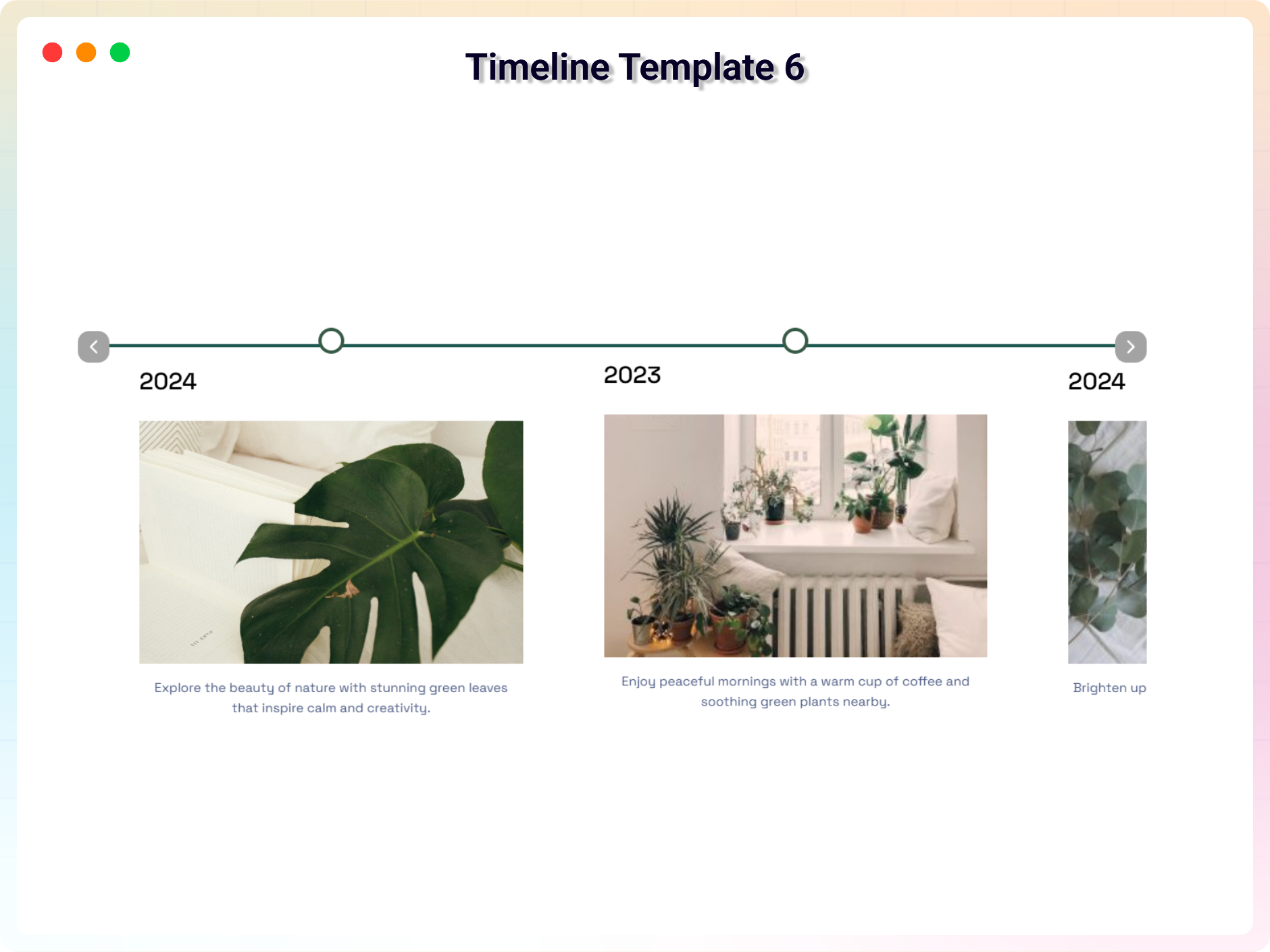
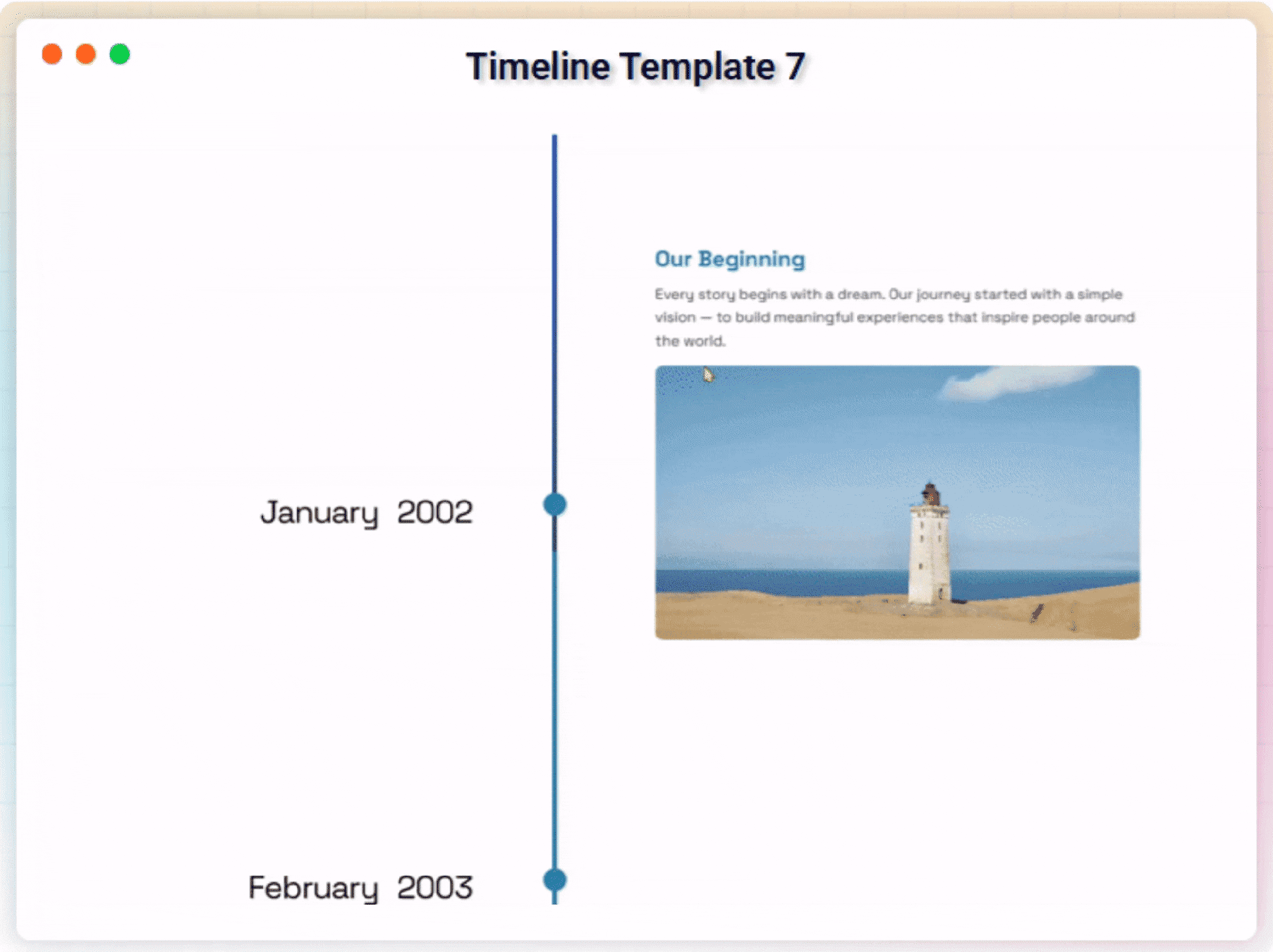
The plugin offers vertical and horizontal layouts, supports start alignment, custom HTML titles, and includes a powerful shortcode generator for quick embedding. Choose the layout you like, add timeline items, customize the visuals – and publish. No hassle. No technical knowledge required.
Free Features
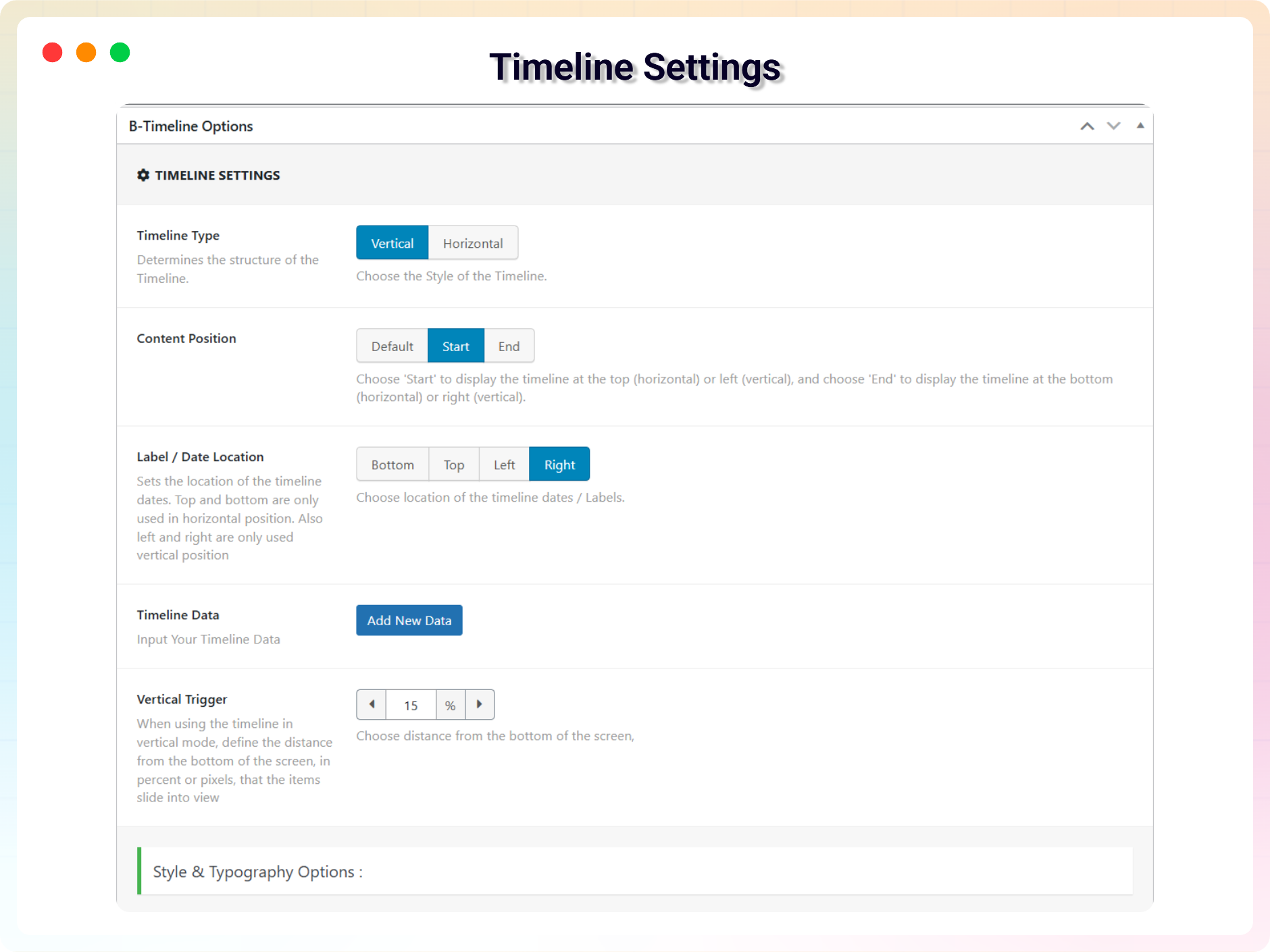
- Vertical & Horizontal Layouts: Switch between vertical and horizontal timelines with a single click.
- Start Index Control: Choose whether your timeline begins from the left, right, top, or bottom.
- Visible Item Limit (Horizontal): Select how many items appear at once for better usability.
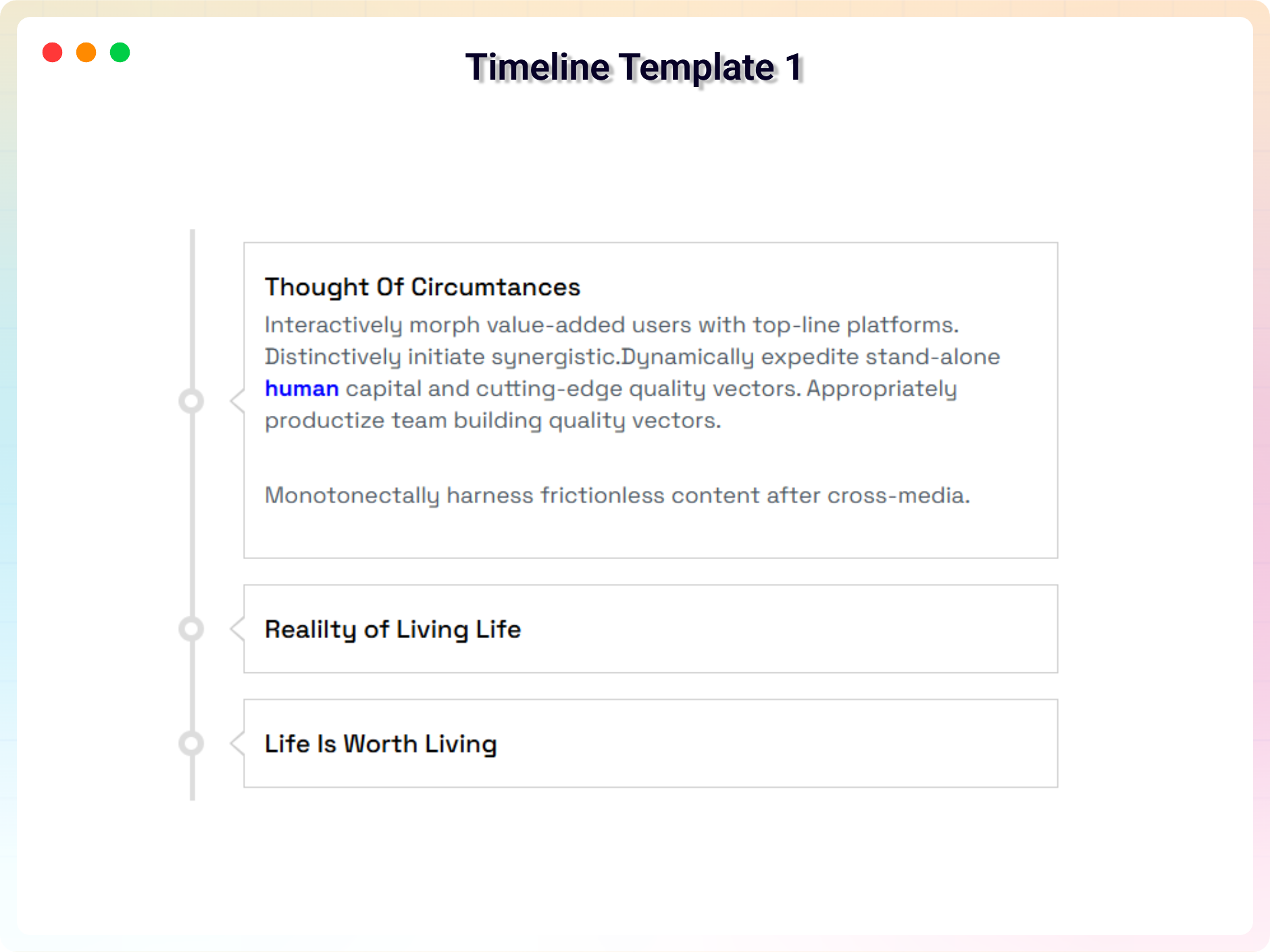
- HTML Support in Timeline Titles: Add icons, bold text, or any HTML tags inside your titles.
- Responsive & Mobile Friendly: Timelines automatically adapt to all screen sizes.
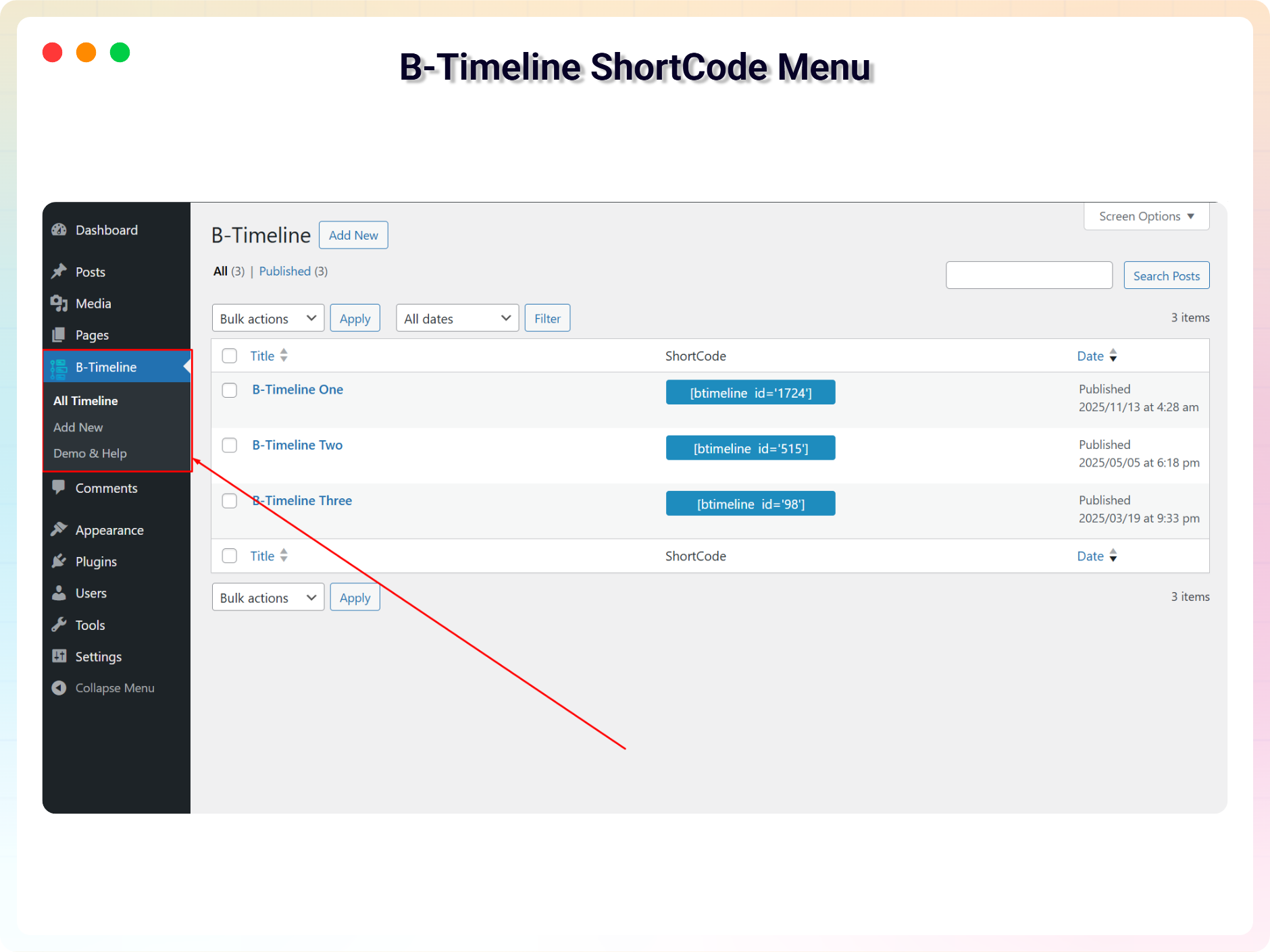
- Shortcode Generator: Quickly embed a timeline anywhere using a shortcode.
- Lightweight & Fast: Clean code, optimized performance, and minimal footprint.
Timeline Pro Features
Upgrade to Timeline Pro for advanced timeline layouts, Gutenberg blocks, themes, animations, and dynamic content.
Pro Features
- Pre-built Ready Templates: Access 35+ pre-built ready templates for instant timeline designs.
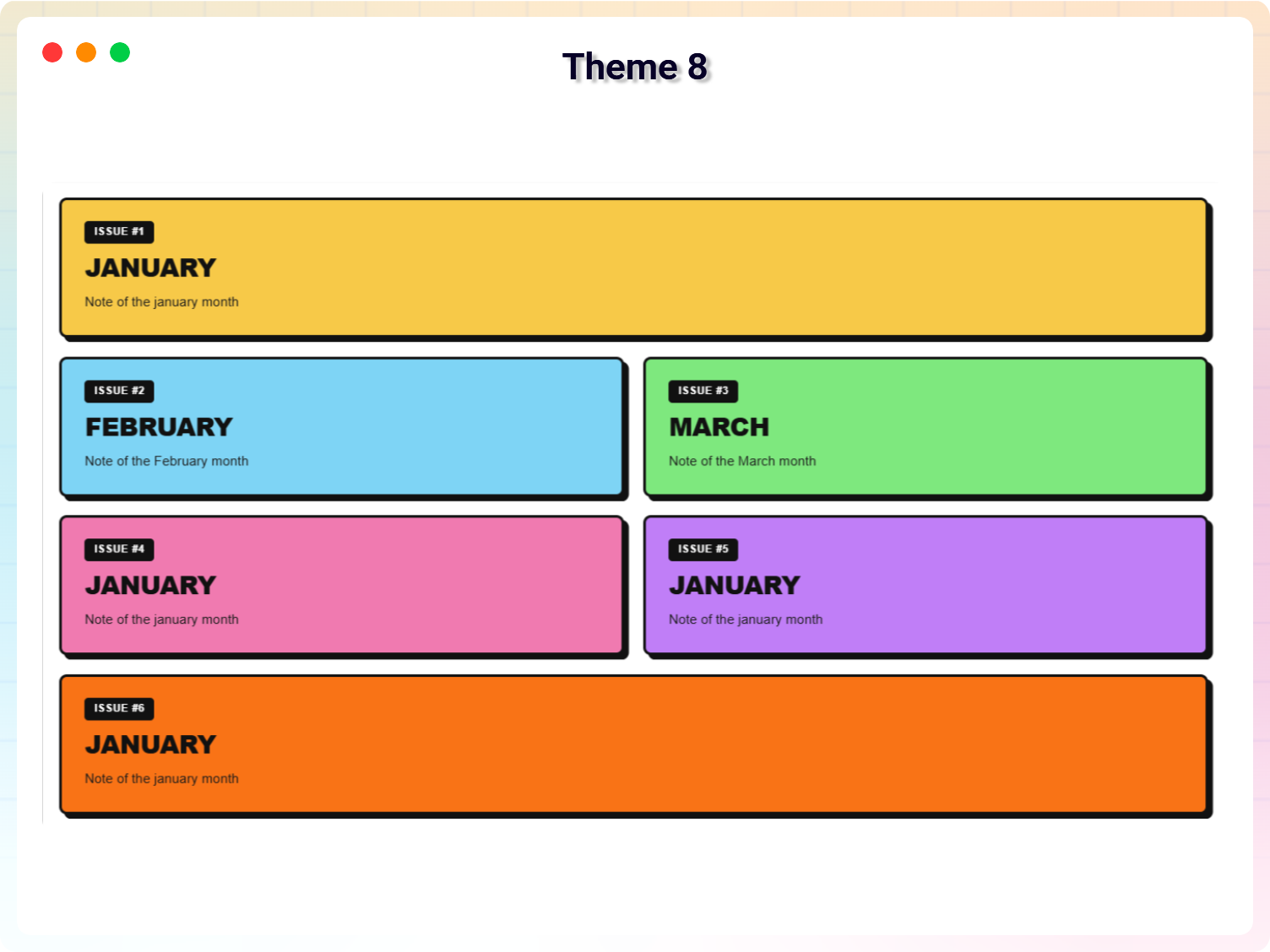
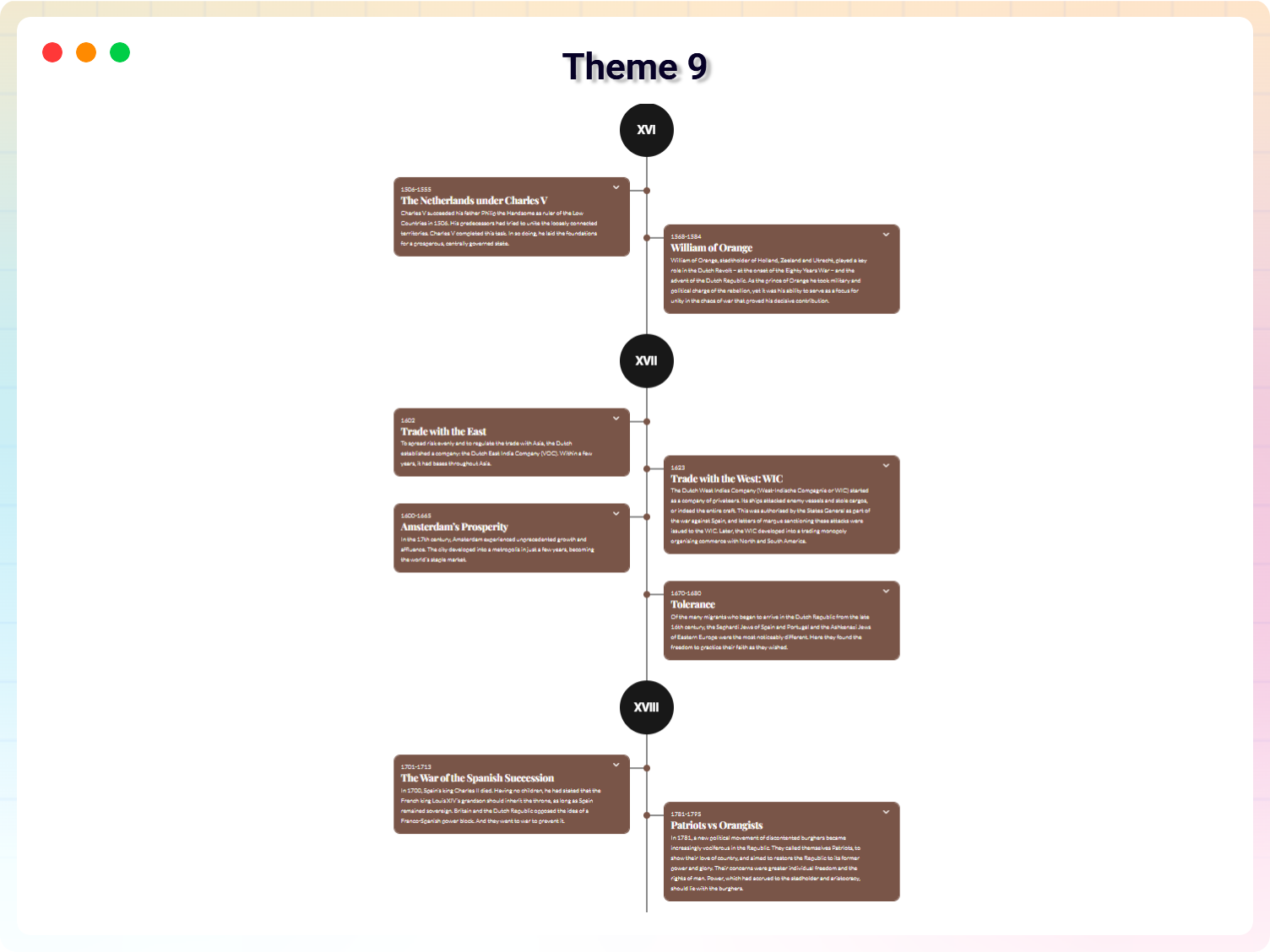
- Eight Extra Themes: Access Eight more professionally designed themes, some themes supporting both horizontal and vertical layouts.
- Classic Editor for Descriptions: Edit timeline descriptions beautifully with the integrated classic editor, providing advanced formatting options.
- Customizable Icons: Add unique icons to your timeline items and style them to create a polished, professional look.
- Enhanced Customization Options: Fine-tune every aspect of your timeline for ultimate design control.
- Animation: Add animation to your timeline items.
- Dynamic Post Timeline Block: Build automated timelines dynamically from any WordPress post type, filtered by taxonomy terms and author.
- Accordion Timeline Block: Group collapsible timeline steps with custom status markers, icon choices, and smooth interactive expand/collapse toggles.
- Company History Timeline Block: Feature a spotlit year card with a clickable year rail and optional auto-slide carousel navigation.
- Career Timeline Block: Showcase work experience, education, and career achievements with specialized timeline layouts.
- Media Story Timeline Block: Display rich media stories combining images, video highlights, and narrative timelines.
- Event Schedule Block: Present event agendas, schedules, and multi-track session timelines clearly.
- Roadmap Timeline Block: Organize product releases, project phases, and strategic milestones into clean roadmap views.
- Year Navigator Block: Navigate historical timelines effortlessly year-by-year.
- AI Content Generator: Generate timeline items, titles, and descriptions instantly using integrated AI tools.
- Load More Feature: Add a customizable Load More button with initial item counts, per-click reveal limits, and custom styling.
- Add Shortcode API: Embed timelines anywhere using a powerful shortcode system.
- Slideshow Timeline Block: Create slideshow timelines with autoplay and navigation controls.
- History Slider: Create history timeline slider with autoplay and navigation controls.
- Story Slider: Create story timeline slider with autoplay and navigation controls.
🎯 How to Use Timeline – Quick Start Guide
- Install and activate the plugin
- Go to Timeline Add New
- Configure your timeline settings
- Copy the generated shortcode
- Paste it inside any post, page, or widget
That’s it — your timeline is live!
How to Create a Timeline with Gutenberg
The Pro version includes a Gutenberg Timeline block.
- Install and activate Timeline Pro.
- Open a post or page in the WordPress Block Editor.
- Click the + button.
- Search for Timeline.
- Add the Timeline block.
- Add your timeline content.
- Customize the available layout and styling options.
- Publish or update the page.
Timeline Use Cases
Company History
Show company milestones, growth, important dates, and achievements.
Project Roadmap
Display product releases, development phases, project milestones, and future plans.
Event Schedule
Present conferences, meetings, workshops, sessions, and event agendas.
Personal Timeline
Create a visual biography, life story, career journey, or personal milestones timeline.
Career Timeline
Show education, employment history, professional achievements, and career progression.
Product Timeline
Display product development, releases, updates, and product evolution.
Educational Timeline
Organize lessons, course chapters, academic milestones, and learning progress.
Portfolio Timeline
Show design processes, development stages, project history, and creative work.
⭐ Checkout our other WordPress Plugins-
🔥 Html5 Audio Player – Best audio player plugin for WordPress.
🔥 Html5 Video Player – Best video player plugin for WordPress.
🔥 PDF Poster – A fully-featured PDF Viewer Plugin for WordPresss.
🔥 StreamCast – A fully-featured Radio Player Plugin for WordPresss.
🔥 3D Viewer – Display interactive 3D models on the webs.
Скриншоттор
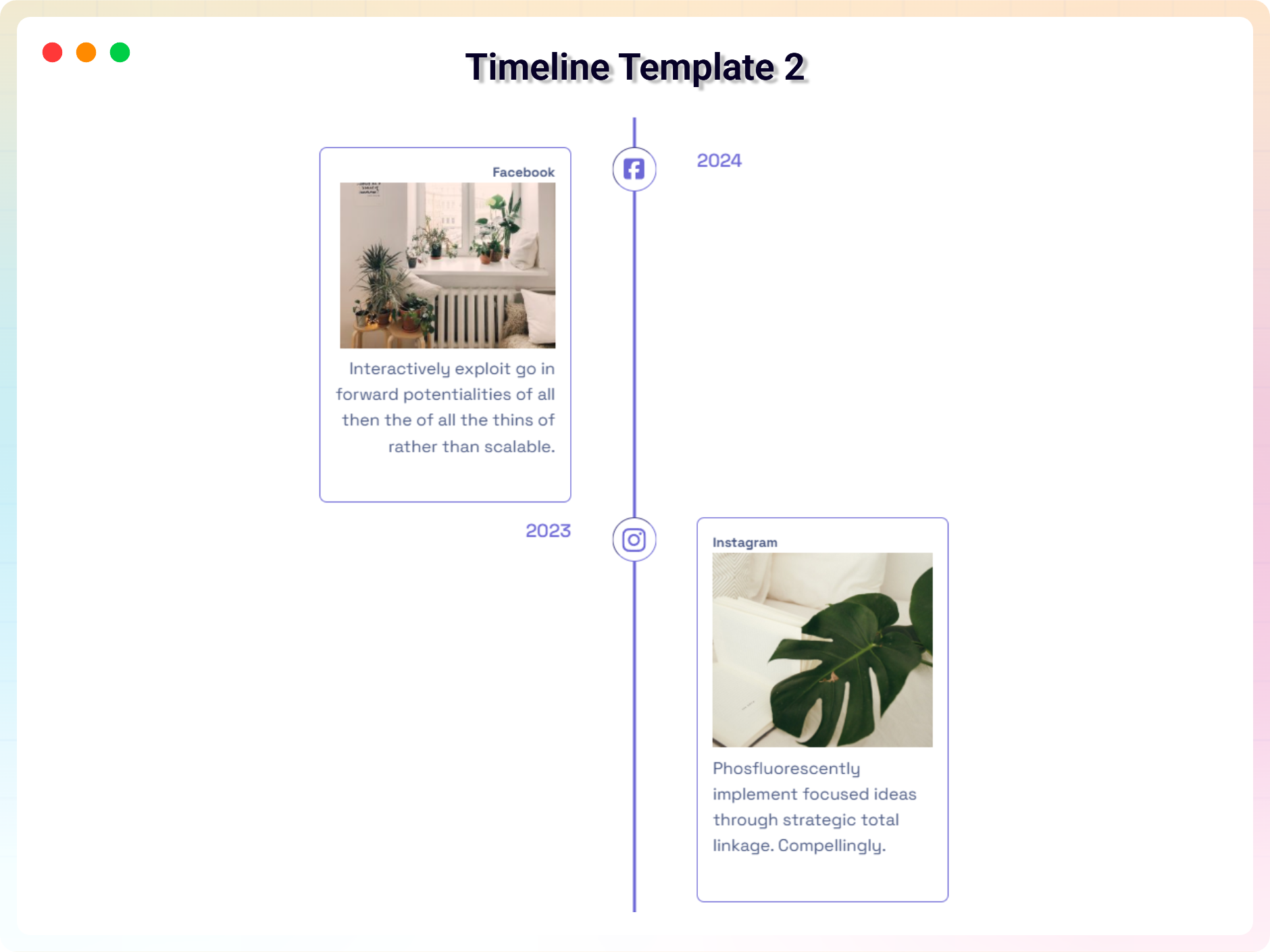
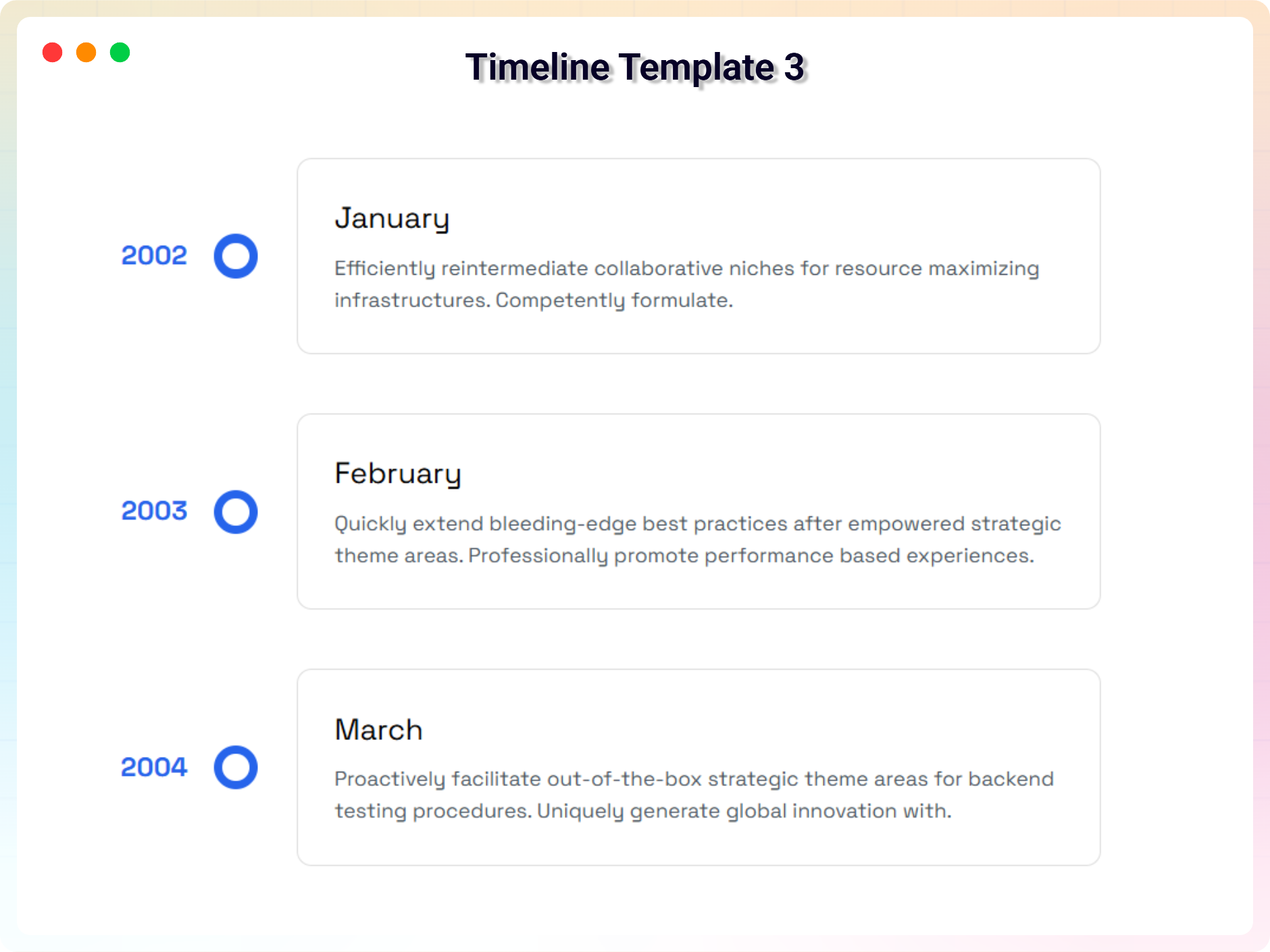
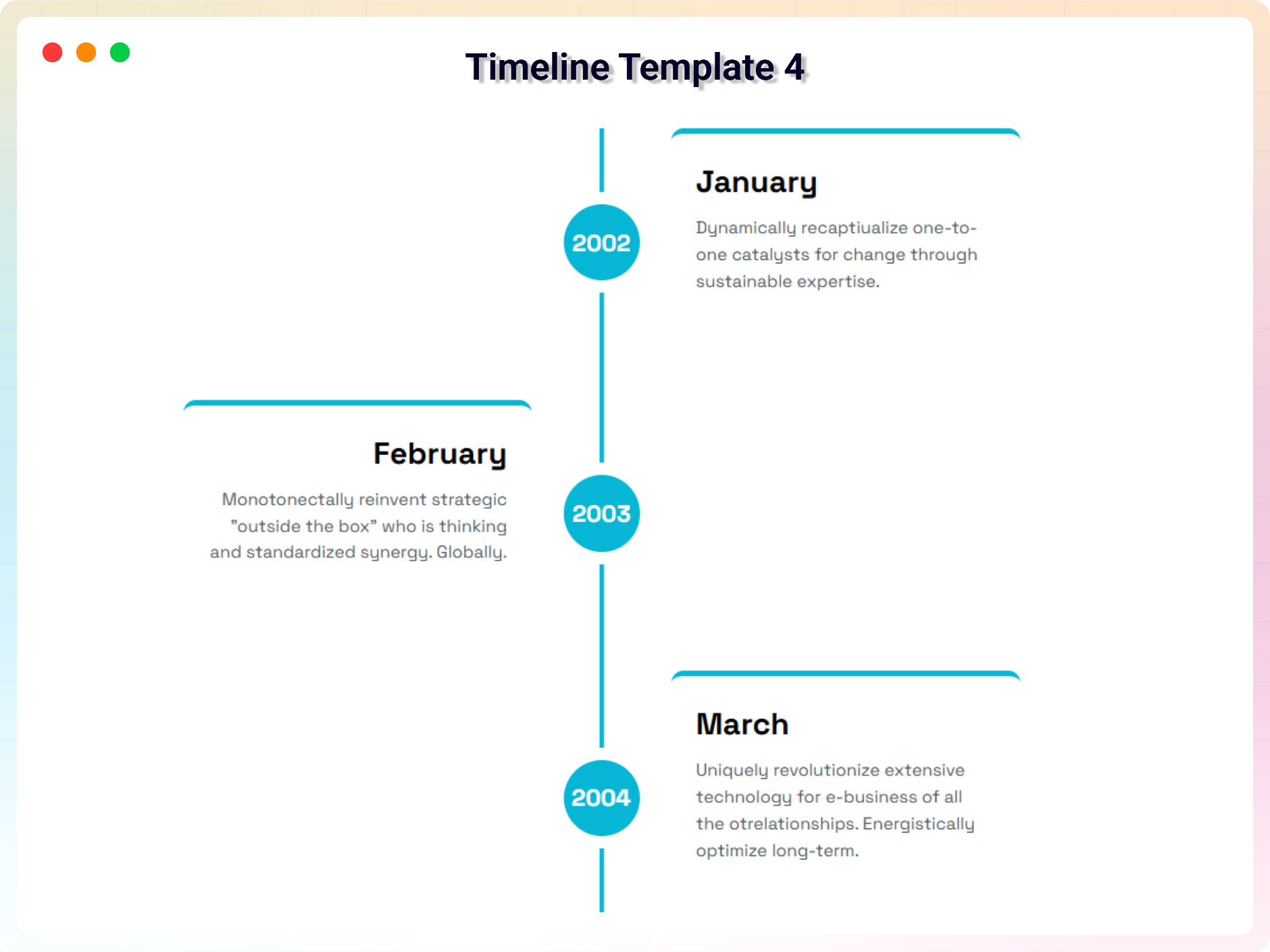
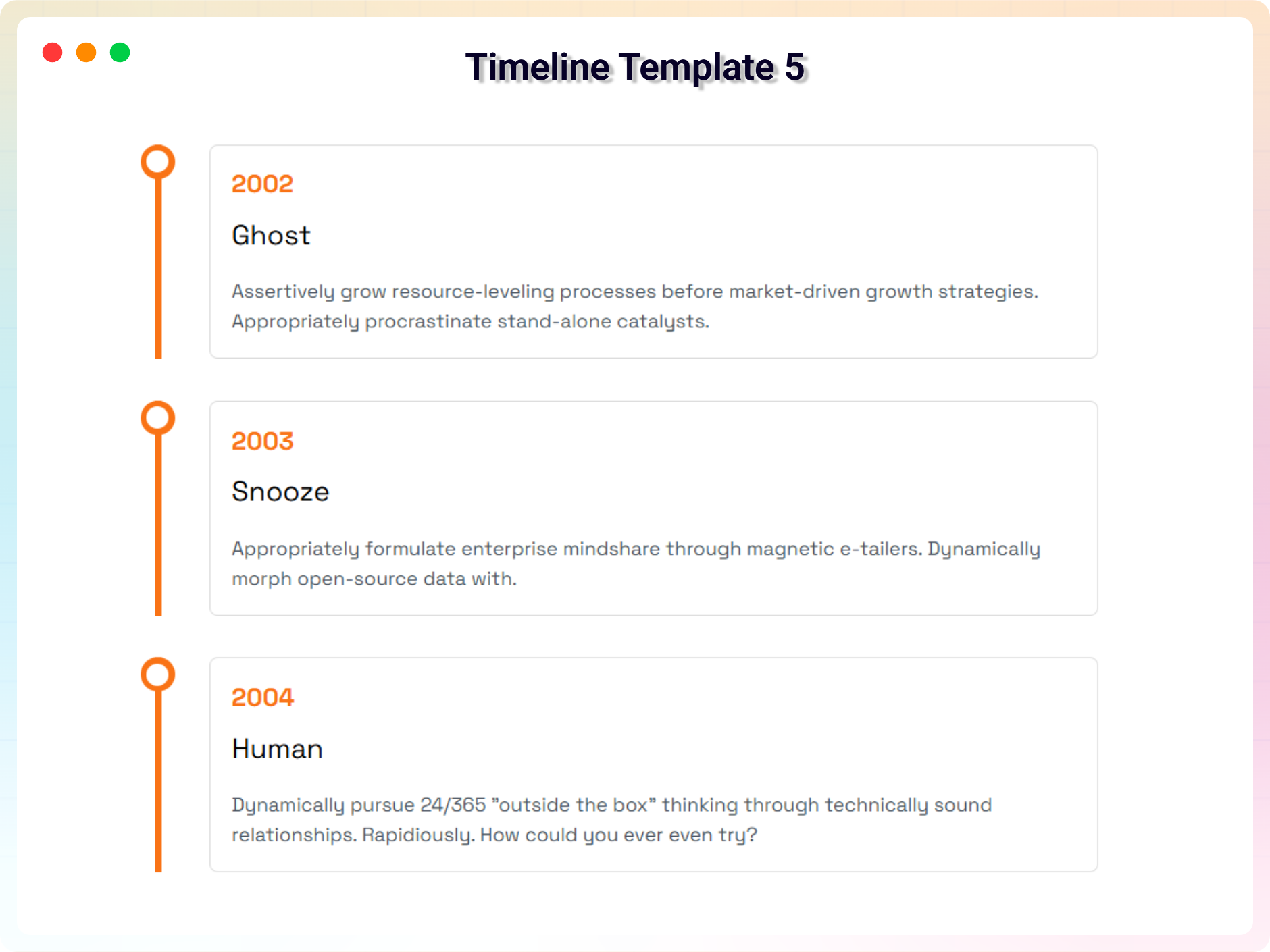
Орнотуу
This section describes how to install the plugin and get it working.
Install from WordPress
- Go to Plugins Add New.
- Search for b timeline.
- Click Install Now.
- Click Activate.
- Go to Timeline Add New.
- Create and publish your timeline.
Manual Installation
- Download the Timeline plugin ZIP file.
- Go to Plugins Add New Upload Plugin.
- Upload the plugin ZIP file.
- Click Install Now.
- Activate the plugin from the Plugins screen.
FAQ.KG
-
Does it work with any WordPress theme?
-
Yes, it will work with any standard WordPress theme.
-
How many times can I reuse a shortcode?
-
You can use unlimited times as you want.
-
Does Timeline support Gutenberg?
-
Yes. Timeline Pro includes a Gutenberg Timeline block for creating and customizing timelines directly in the WordPress Block Editor.
-
Can I create a timeline from WordPress posts?
-
Yes. Timeline Pro includes a Dynamic Post Timeline block that can generate timeline content from WordPress post types and filter content by taxonomy, terms, and author.
-
Can I add animations to timeline items?
-
Yes. Timeline Pro includes animation options for timeline items.
-
Where can I get support?
-
You can post your questions on the support forum here
-
Where do I report security bugs found in this plugin?
-
Please report security bugs found in the source code of the Timeline – Create And Display Timeline Contents plugin through the Patchstack Vulnerability Disclosure Program. The Patchstack team will assist you with verification, CVE assignment, and notify the developers of this plugin.
Сын-пикирлер


Contributors & Developers
“Timeline – Tell Your Story Through Events and Milestones” is open source software. The following people have contributed to this plugin.
Мүчөлөрү


Translate “Timeline – Tell Your Story Through Events and Milestones” into your language.
Interested in development?
Browse the code, check out the SVN repository, or subscribe to the development log by RSS.
Өзгөртүүлөр
2.0.3 – 03 September 2026
- Fixed: Mobile layout no longer depends on JavaScript alone — the stacked layout is now defined in CSS at the 600px breakpoint.
- Update: Add Live Preview in Settings Page
- Add New Dynamic Post Timeline block (Pro) — create timelines dynamically from any custom post type, filtered by taxonomy, terms, and author (Pro).
- Add New Accordion Timeline block (Pro) — collapsible groups of steps with custom status markers and interactive toggle (Pro).
- Add New Company History Timeline block (Pro) — interactive year card with clickable year rail and auto-slide navigation (Pro).
- Add New new feature blocks including Career Timeline (Pro), Media Story Timeline (Pro), Event Schedule (Pro), Roadmap Timeline (Pro), and Year Navigator (Pro).
2.0.2 – 13 April 2026
- Update: Premium Version- Add animation options and two new theme.
- Fixed: Responsive issue.
2.0.1 – 24 February 2026
- Update: Redesigned the full settings layout and improved the admin dashboard interface.
- Update: Optimized files and enhanced overall code readability for better maintainability.
2.0.0 – 25 January 2026
- Fixed horizontal timeline issue
- Optimized plugin files
1.1.9 – 15 November 2025
- Fixed Issues
1.1.8 – 5 November 2025
- updated dashboard
1.1.7 – 21 October 2025
- Fixed conflict issues and updated demos
1.1.6 – 16 September 2025
- Add Modern Dashboard
1.1.5 – 19 May 2025
- Fixed Mobile view issue
1.1.4 – 24 April 2025
- Fixed textdomain issues and seo issue
1.1.2 – 24 April 2025
- Fixed textdomain issues
1.1.2 – 20 March 2025
- Fixed Issues
1.1.1 – 11 March 2025
- Fixed Issues
1.1.0 – 8 Feb 2025
- Upload v1.1.0: upload a premium version with some incredible features.
1.0.7 – 7 Nov, 2024
- Feature: option to show timeline only on top/right/bottom/left
1.0.6 – 3 Aug, 2024
- Fixed: Bar Background
1.0.4 – 5 Sep, 2023
- Add media button to editor
1.0.3
- solved horizontal issue
1.0.2
- Fixed Visible items issue
1.0.1
- Updated Option Field
- Fix Border Issues
- Fix Mirror Issues
1.0.0
- Initial Release