
Сүрөттөө
NewsletterMaker Lite lets you build beautifully laid-out newsletters directly inside WordPress, without touching a single line of code. Perfect for membership organisations, clubs, associations, and community groups that publish regular newsletters.
Build your newsletter with a visual editor:
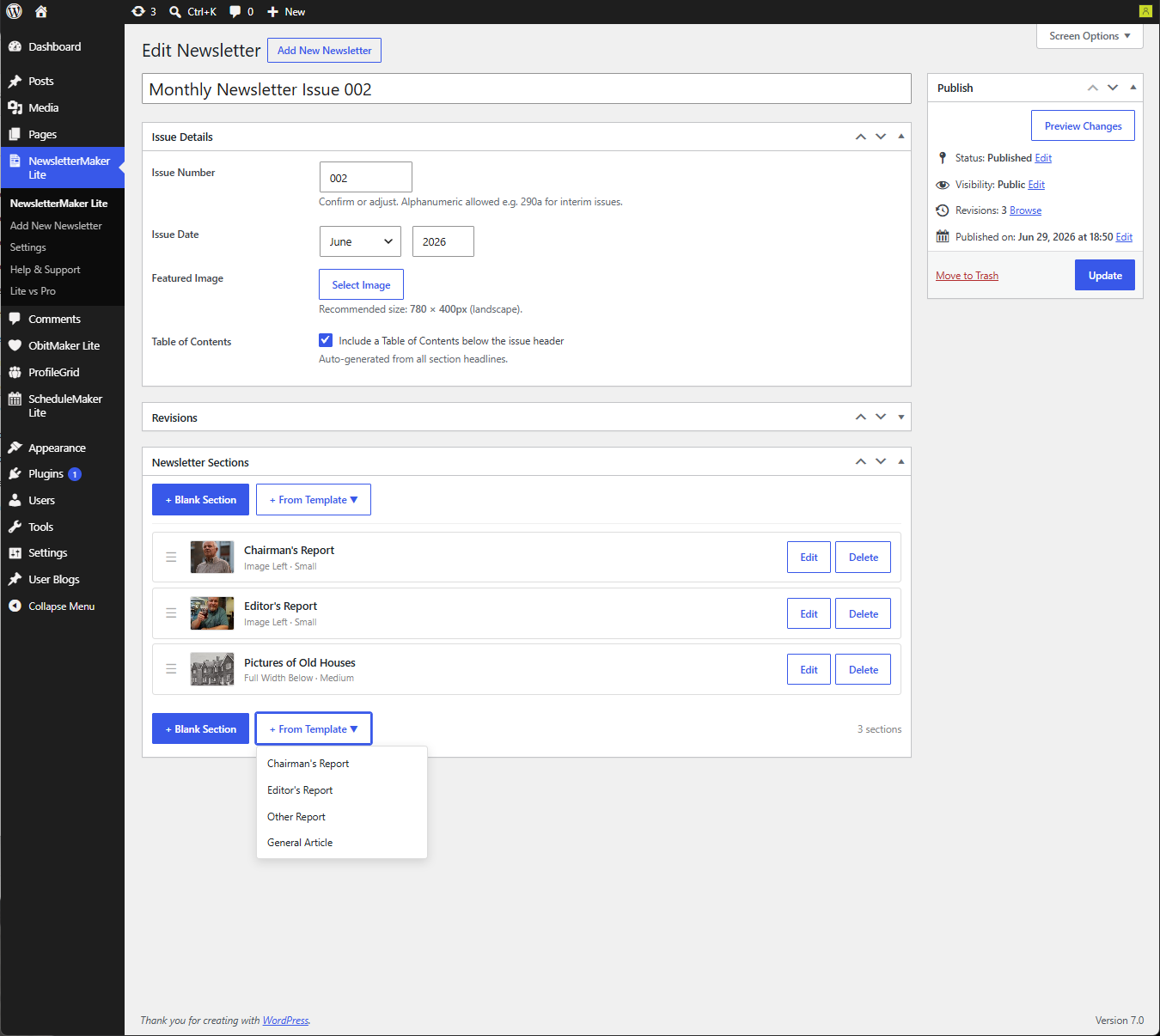
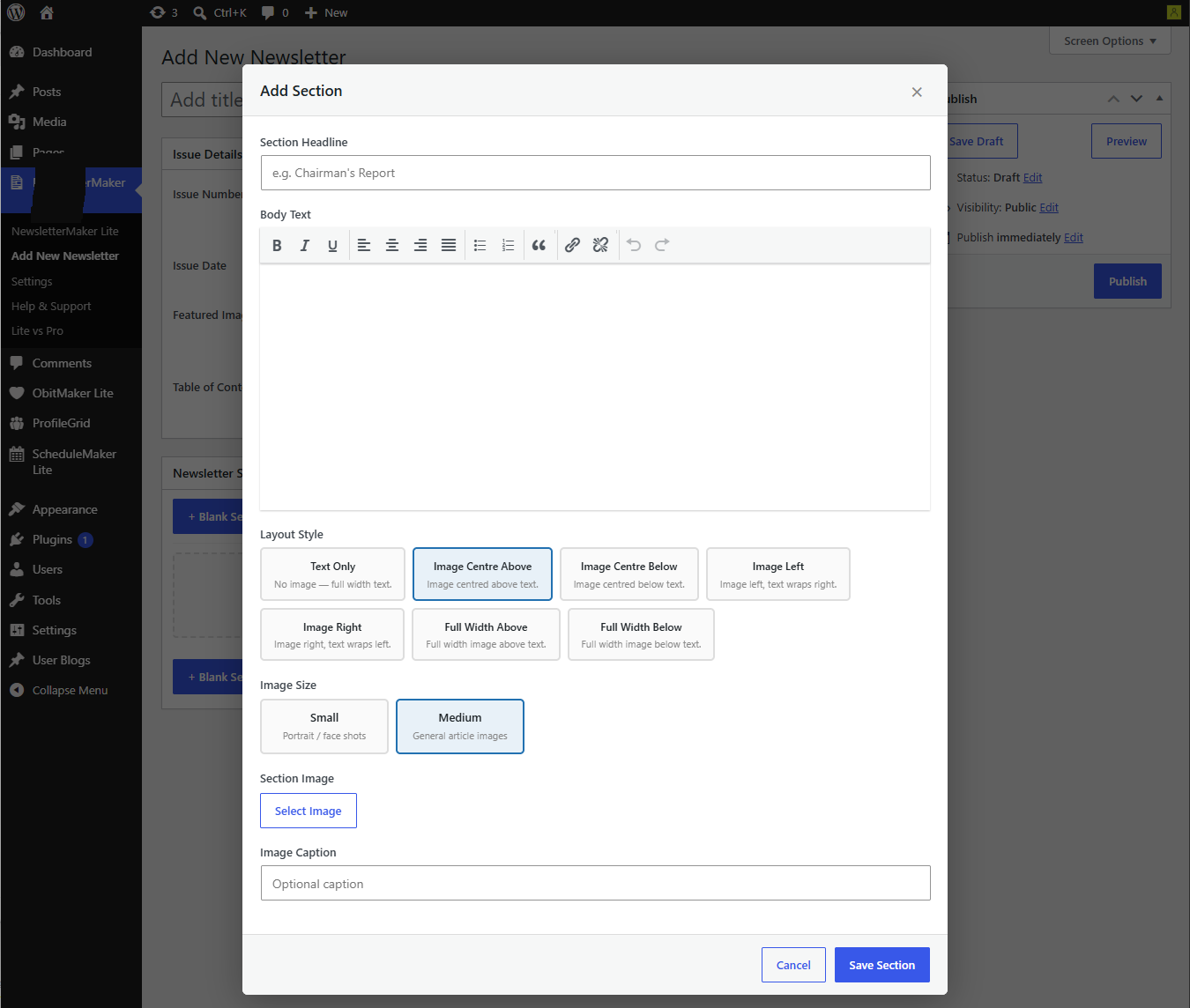
- Add sections with a choice of layouts — text only, image left, image right, image above and below
- Choose image sizes to suit your content — small portrait shots for reports, medium for articles
- Add headlines, body text, captions and image galleries
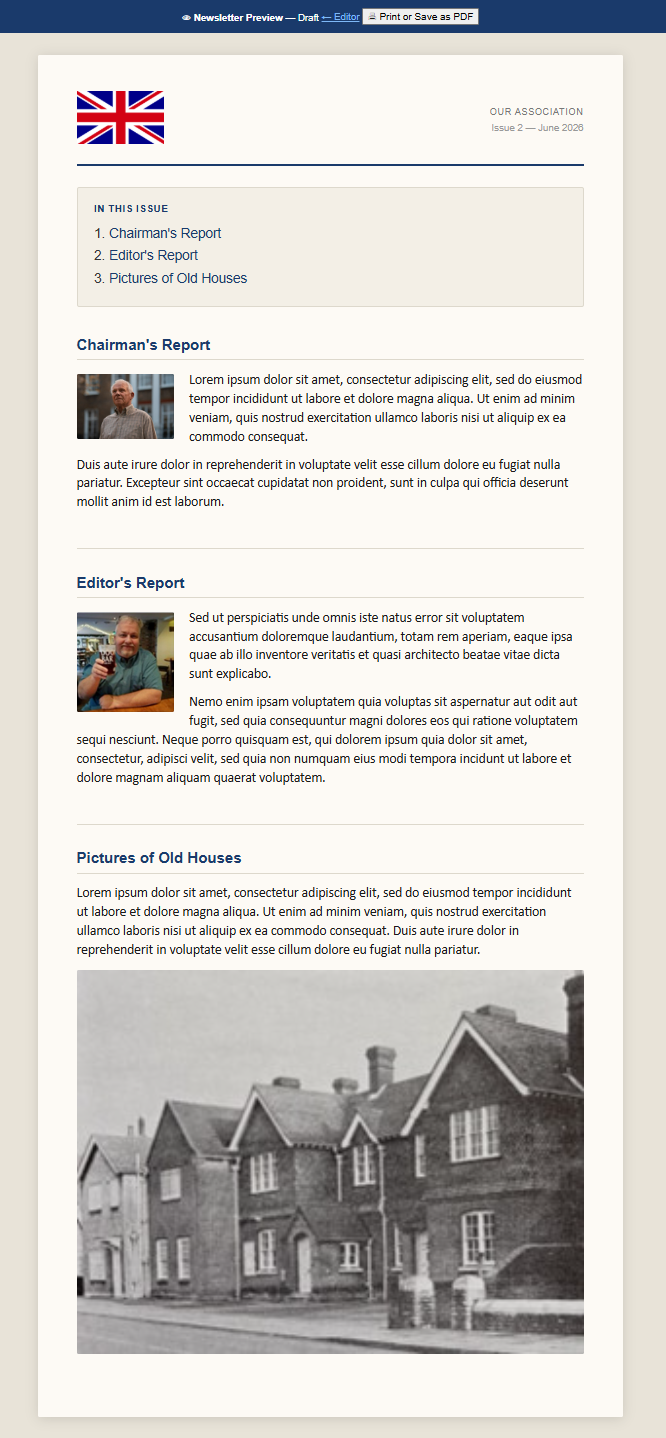
- Auto-generated Table of Contents from your section headings
- Reorder sections by dragging and dropping
- Section templates for common report types — Chairman’s Report, Editor’s Report, and more
Preview and export:
- Full-screen preview showing exactly how your newsletter will look
- Print to PDF directly from the browser — no additional software required
Manage your newsletters:
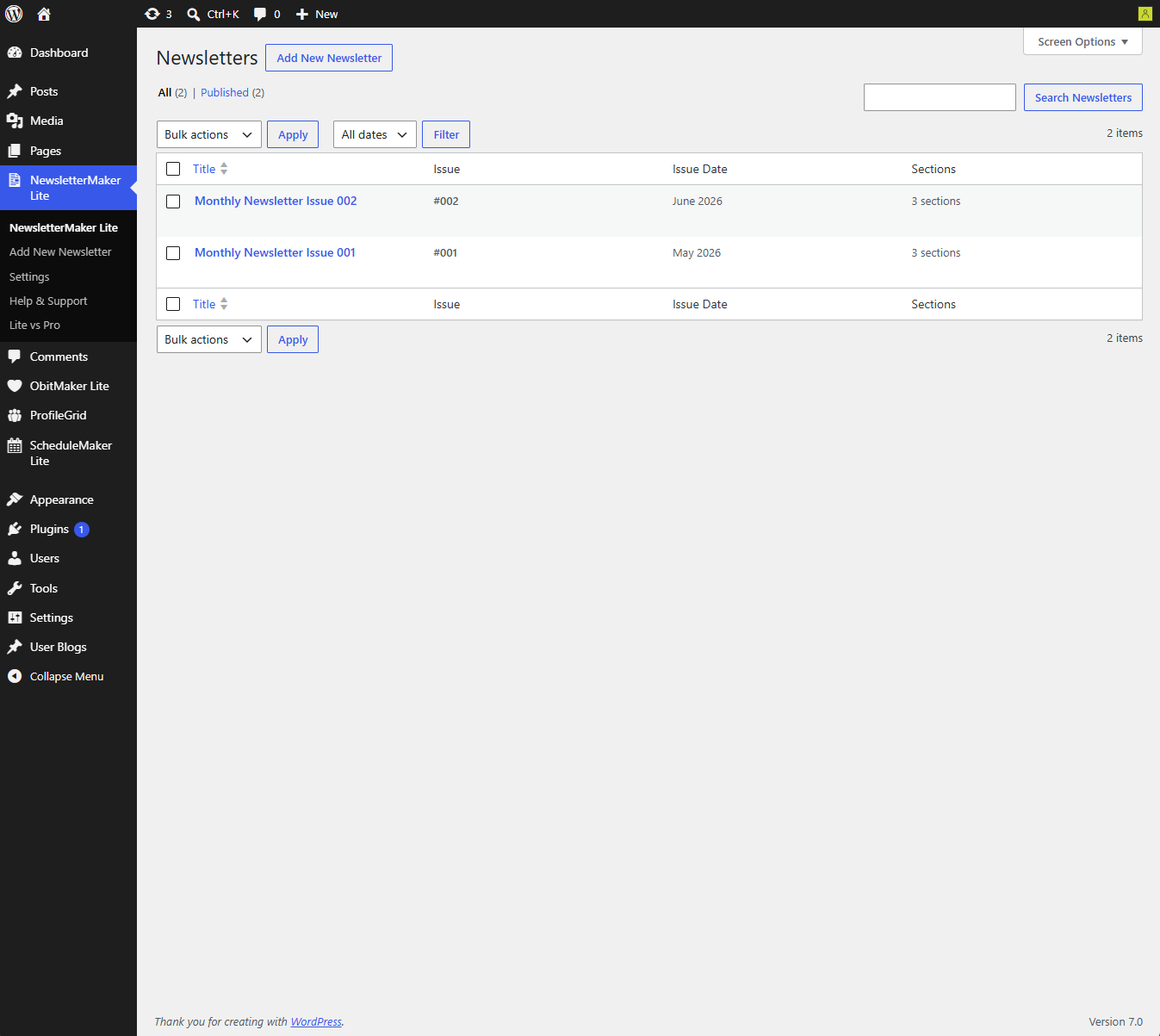
- Newsletter list with issue number, date and section count at a glance
- Keep a skeleton newsletter as a reference for your regular standing sections
NewsletterMaker Pro adds powerful publishing features:
- Generate print-quality PDFs server-side using the mPDF library
- Publish newsletters as standalone web pages on your site — outside your theme, beautifully formatted
- Copy Forward — create next month’s issue from this month’s in one click
- Continuation sections — flow long articles across multiple sections with different image layouts
- Featured image caption and Editor’s Note
- Half-page and full-page advertisement layouts
- Save PDF directly to your server archive folder
- Published Issues admin screen — manage all your live newsletters
Скриншоттор
Орнотуу
- Upload the
newslettermaker-litefolder to/wp-content/plugins/ - Activate the plugin through the Plugins menu in WordPress
- Go to NewsletterMaker Lite Settings and enter your organisation name, newsletter title and logo
- Go to NewsletterMaker Lite Add New to create your first newsletter
Recommended first steps:
- Set up your organisation details in Settings before creating your first newsletter
- Build a skeleton newsletter with your regular standing sections and keep it as a reference
- Use that reference when adding the standing sections to each new issue
FAQ.KG
-
Does this work with any WordPress theme?
-
Yes — the newsletter editor works independently of your theme. The preview page is a standalone page outside your theme.
-
The Lite preview is available to authorised WordPress editors. Use browser print to create a PDF for members. NewsletterMaker Pro can publish a standalone web page with its own URL.
-
Can I generate a PDF?
-
The free version supports browser print to PDF from the authorised preview. NewsletterMaker Pro adds server-side PDF generation using the mPDF library.
-
Do I need any technical knowledge?
-
No coding required at all. If you can use WordPress, you can use NewsletterMaker Lite.
-
Yes — use the Print button in the preview to print or save as PDF. For a professionally formatted PDF, upgrade to NewsletterMaker Pro.
-
In NewsletterMaker Pro, use the Copy Forward feature to create a new issue from the previous one with all your standing sections already in place. In the free version, create a new newsletter and add your sections manually.
-
No limits — create as many newsletters and sections as you need.
Сын-пикирлер
There are no reviews for this plugin.
Contributors & Developers
“NewsletterMaker Lite” is open source software. The following people have contributed to this plugin.
Мүчөлөрү
Translate “NewsletterMaker Lite” into your language.
Interested in development?
Browse the code, check out the SVN repository, or subscribe to the development log by RSS.
Өзгөртүүлөр
1.0.0
- Initial release
- Full newsletter builder with 6 layout styles
- Section templates for common report types
- Table of Contents auto-generation
- Drag and drop section reordering
- Full-screen preview
- Browser print to PDF