

Сүрөттөө
🚀 AUTOMATE WOOCOMMERCE WHATSAPP NOTIFICATIONS
Tryowbot helps WooCommerce store owners send instant WhatsApp notifications automatically when order status changes.
From order confirmation to payment updates, shipping, and delivery alerts — customers receive real-time updates directly on WhatsApp.
This improves customer communication, reduces support tickets, and enhances trust in your WooCommerce store.
👉 Turn your WooCommerce store into a fully automated WhatsApp notification system.
🌟 WHAT YOU CAN DO WITH TRYOWBOT
With a flexible automation system, you can:
• Create order-based WhatsApp triggers
• Map dynamic WooCommerce variables
• Use image-based WhatsApp templates
• Add static or dynamic CTA buttons
• Preview templates before saving
• Manage all automation from the WordPress dashboard
⚡ WHY TRYOWBOT?
✔ Instant WooCommerce WhatsApp notifications
✔ Fully automated order status triggers
✔ Easy dynamic variable mapping system
✔ Support for image-based templates
✔ Smart action buttons (Track Order, Support, Invoice)
✔ Live template preview system
✔ Simple and powerful admin dashboard
Features
- WooCommerce order status triggers for automation
- Dynamic variable mapping ({{1}}, {{2}}, etc.) for personalized messages
- Static and dynamic WhatsApp template support
- Image upload support for rich notifications
- Button text and URL mapping for CTA actions
- Live template preview before saving
- Secure database storage
- Clean uninstall support with no leftover data
External Services
This plugin connects to the Tryowbot API to send WhatsApp notifications and retrieve broadcast data.
Service Name: Tryowbot API
Service URL: https://tryowbot.com
API Endpoints used:
– https://webapi.tryowbot.com/v1/send
– https://webapi.tryowbot.com/v1/getapiboradcast
– https://prodapi.tryowbot.com/tryowbotapi/customerweb/v1/api/getapibroadcast
What data is sent:
– Customer phone number
– Order details (order ID, products, totals)
– Message template data
When data is sent:
– When WooCommerce order status changes
– When admin manually triggers a message or broadcast
– Only after API integration is enabled by the admin
Why data is sent:
– To deliver automated WhatsApp notifications to customers and admins
Terms of Service:
https://tryowbot.com/terms-conditions/
Privacy Policy:
https://tryowbot.com/privacy-policy/
Privacy
This plugin processes WooCommerce order data and sends it to an external API service for WhatsApp message delivery.
Data may include:
– Customer phone number
– Order details (products, order ID, status)
– Total amount
– Message content configured by admin
This data is sent only when:
– An order trigger is executed
– Admin manually triggers a message
No personal data is stored externally except what is required for message delivery.
Support
For support or feature requests:
tryowbot@gmail.com
License
This plugin is licensed under the GNU General Public License v2 or later.
License URI: https://www.gnu.org/licenses/gpl-2.0.html
Скриншоттор
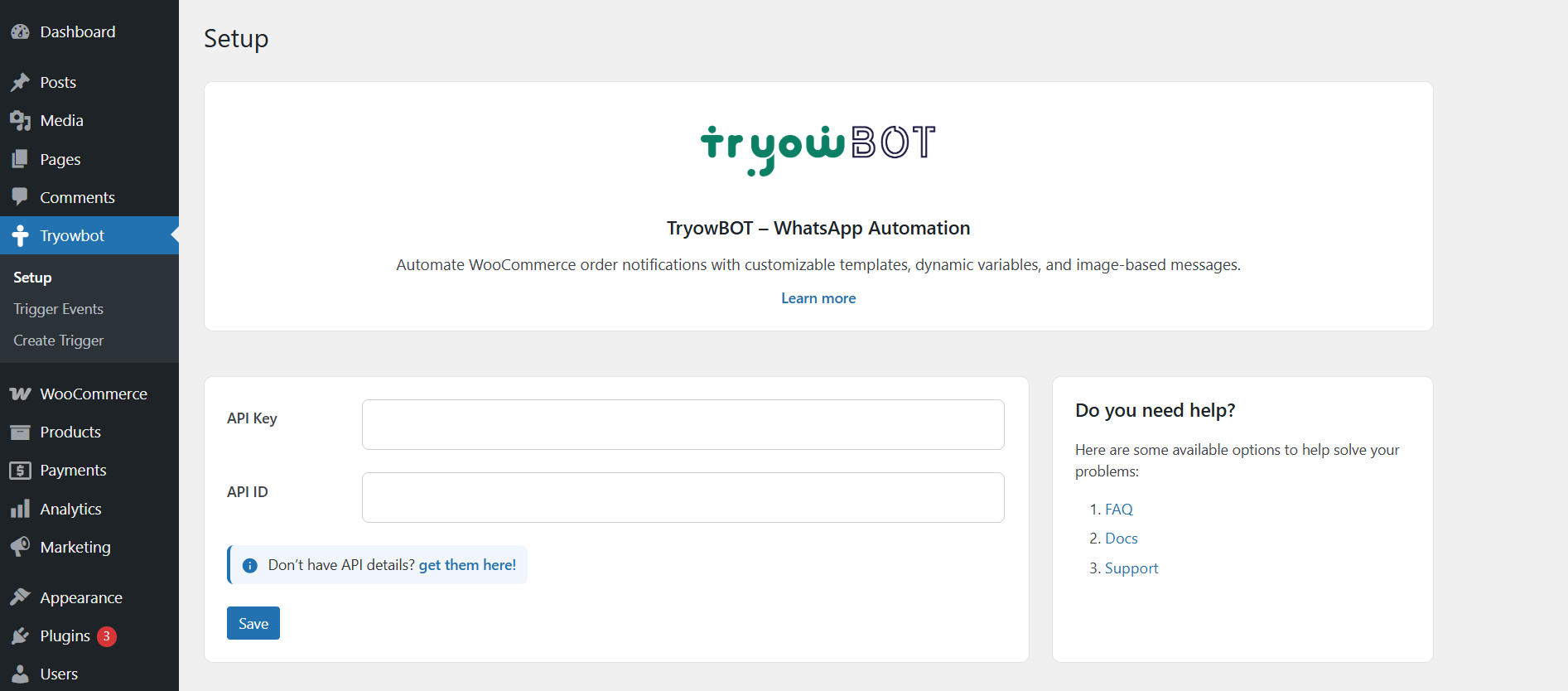
Admin dashboard with trigger management 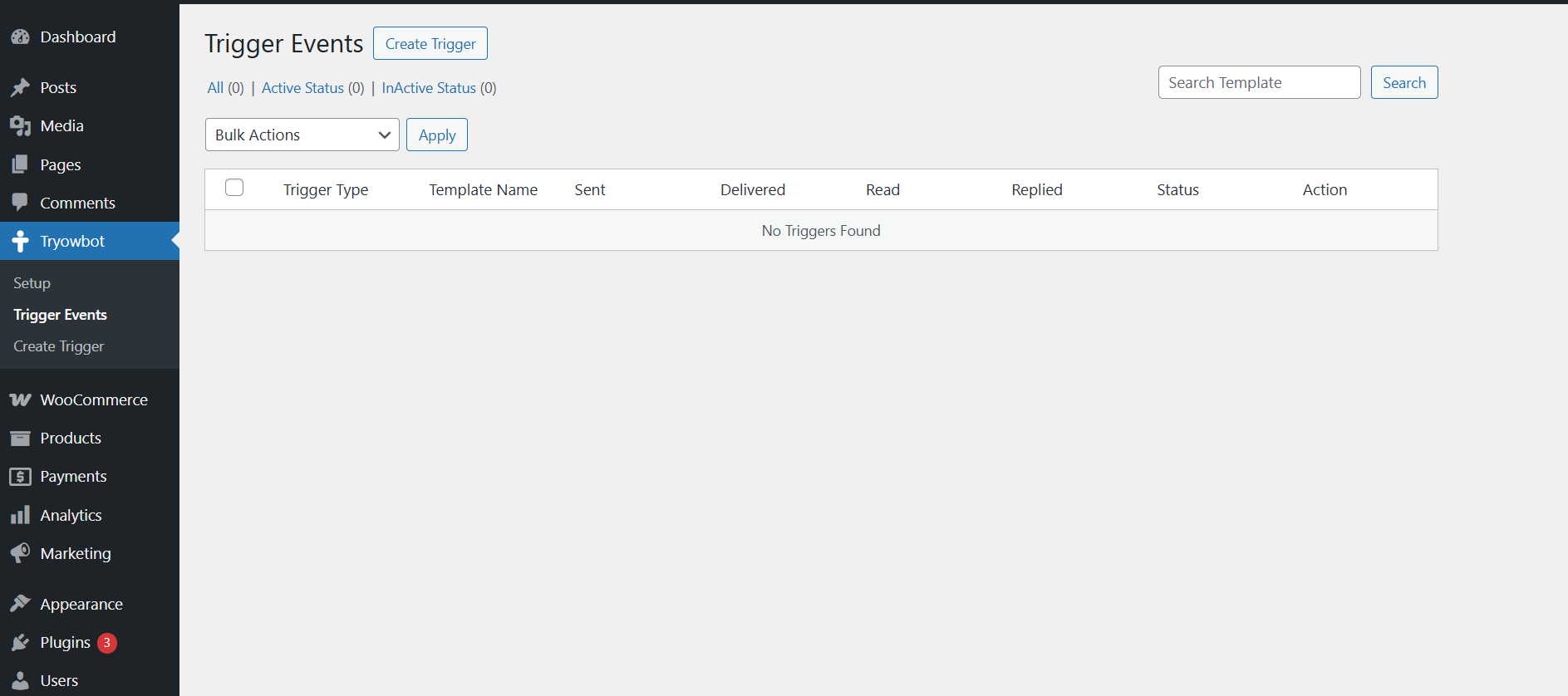
Template creation and configuration page 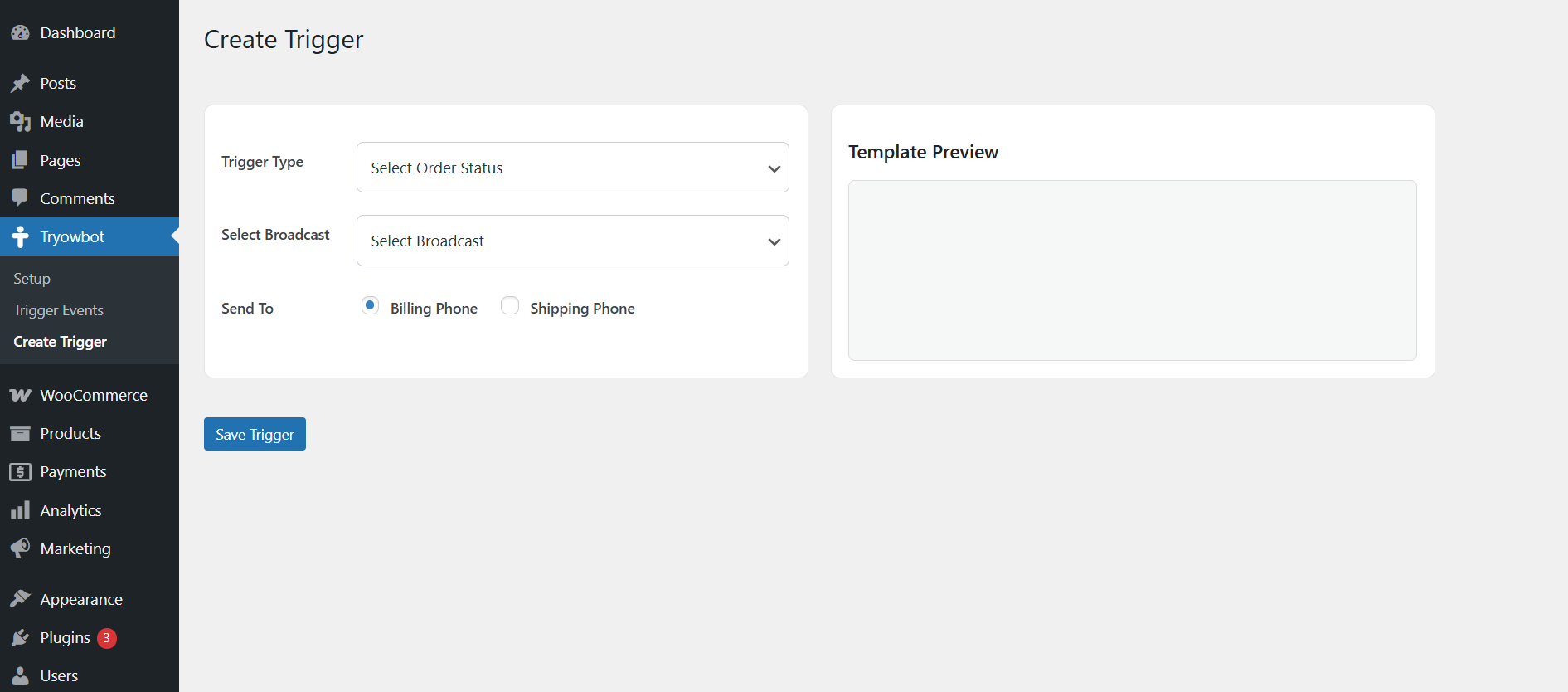
Live WhatsApp message preview system
Орнотуу
There are 3 easy ways to install Tryowbot:
📌 1. Install from WordPress Plugin Directory
- Go to your WordPress Dashboard
- Navigate to Plugins Add New
- Search for “Tryowbot”
- Click “Install Now”
- Click “Activate”
👉 This is the easiest method if the plugin is available in the WordPress repository.
📌 2. Upload via WordPress Dashboard (Recommended for ZIP file)
- Go to WordPress Dashboard
- Navigate to Plugins Add New
- Click “Upload Plugin”
- Choose the tryowbot.zip file
- Click “Install Now”
- After installation, click “Activate Plugin”
📌 3. Manual Installation (FTP Method)
- Extract the plugin ZIP file
- Upload the folder to:
/wp-content/plugins/ - Go to WordPress Dashboard Plugins
- Find “Tryowbot” in the list
- Click “Activate”
📌 After Activation
- Ensure WooCommerce is installed and activated
- Open Tryowbot menu in WordPress dashboard
- Configure API settings and create your first trigger
FAQ.KG
-
Does this plugin require WooCommerce?
-
Yes. WooCommerce must be installed and activated.
-
Does this plugin send WhatsApp messages directly?
-
Tryowbot manages templates and triggers. It requires a WhatsApp API provider to send messages.
-
Can I use image templates?
-
Yes. Both static and dynamic image-based templates are supported.
-
Can I map WooCommerce variables?
-
Yes. You can map dynamic values such as:
– Customer Name
– Order ID
– Order Total
– Order Date
– Customer Email
Сын-пикирлер
There are no reviews for this plugin.
Contributors & Developers
“Tryowbot” is open source software. The following people have contributed to this plugin.
Мүчөлөрү
Translate “Tryowbot” into your language.
Interested in development?
Browse the code, check out the SVN repository, or subscribe to the development log by RSS.
Өзгөртүүлөр
1.0.0
- Initial release
- WooCommerce order trigger automation
- WhatsApp template preview system
- Image and button mapping support
- Dynamic variable mapping system